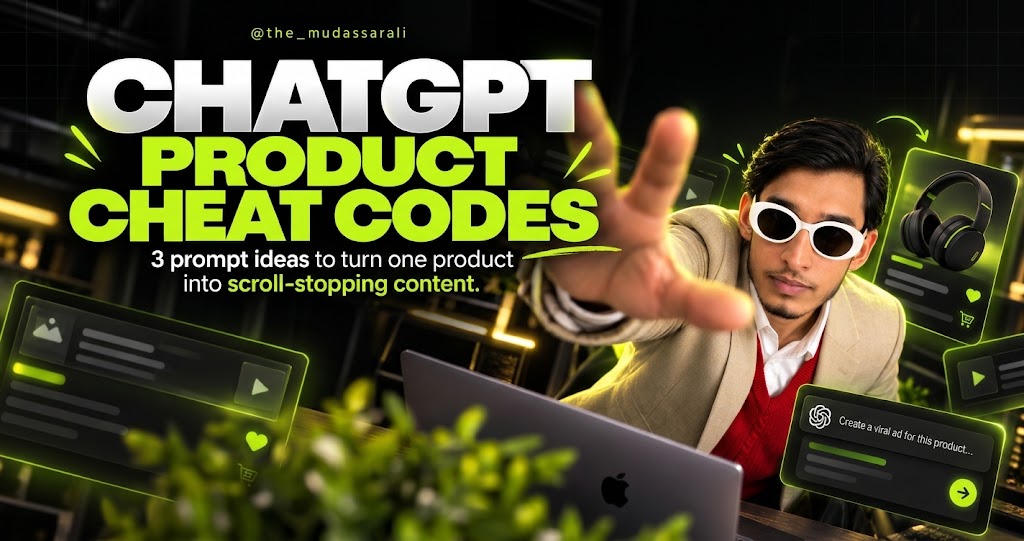
Product photography is where small brands bleed money: studios, props, sets, reshoots. Meanwhile one clean product photo is sitting in your phone. These are the three cheat codes from my carousel — upload that one photo to ChatGPT, type a style command, and get a campaign-grade visual back. The headphones in every example below started as a single plain product shot.
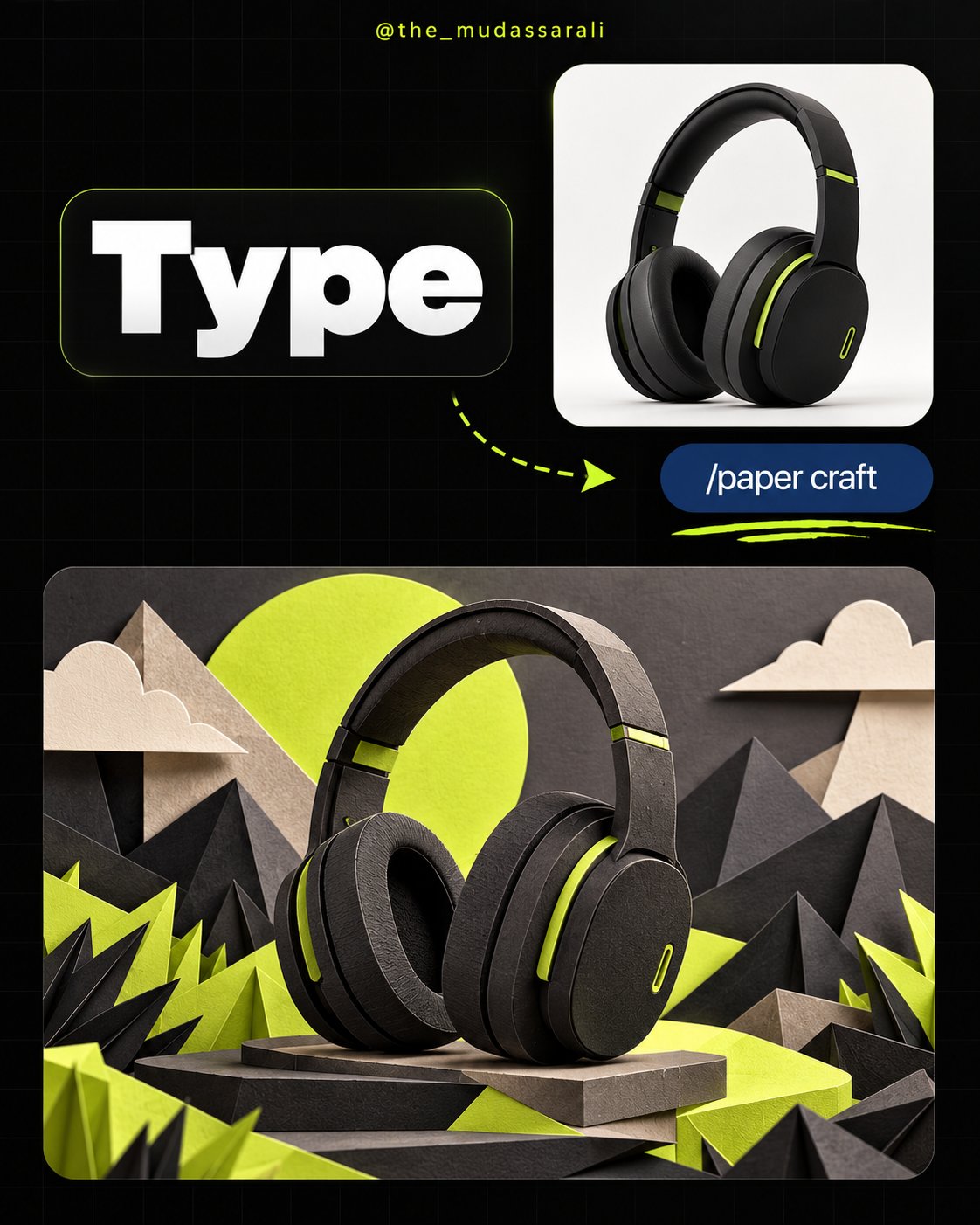
The product, rebuilt as a handmade paper scene — layered cut-paper mountains, clouds and sun around it, real shadows, real depth. It looks like an art department spent a week on it. Paper craft works because the feed is full of glossy renders; something tactile stops the thumb.
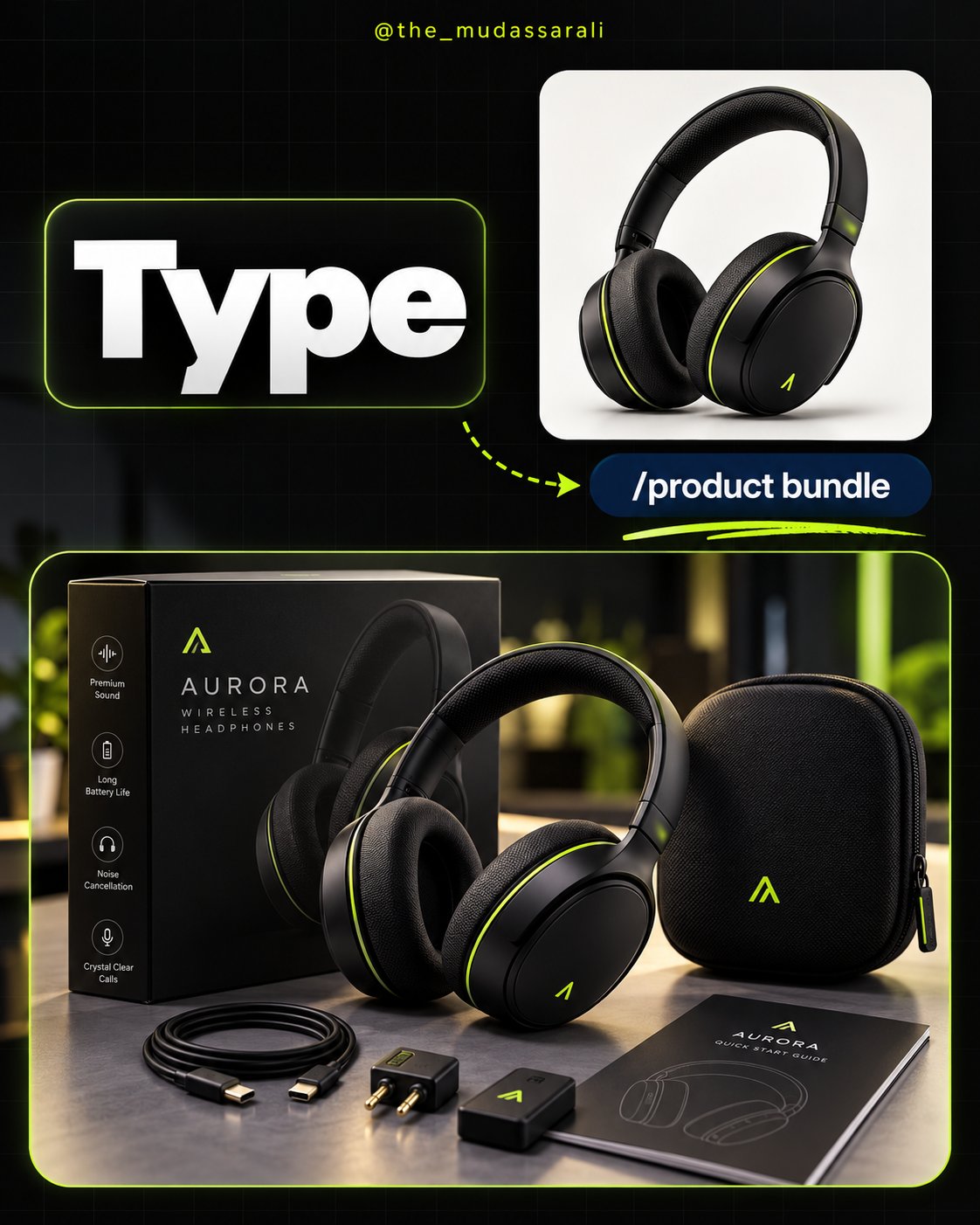
A premium unboxing scene from nothing: retail box, carry case, cables and quick-start guide arranged around the product like a launch-day flat lay. Bundle shots raise perceived value instantly — the product stops looking like a thing and starts looking like an offer.
Your product, on a lit retail stand, with a poster behind it and feature callouts down the side — the "big brand in a flagship store" look. Retail-display visuals are trust machines: if it looks like it belongs on a shelf in a premium store, people treat it like it does.
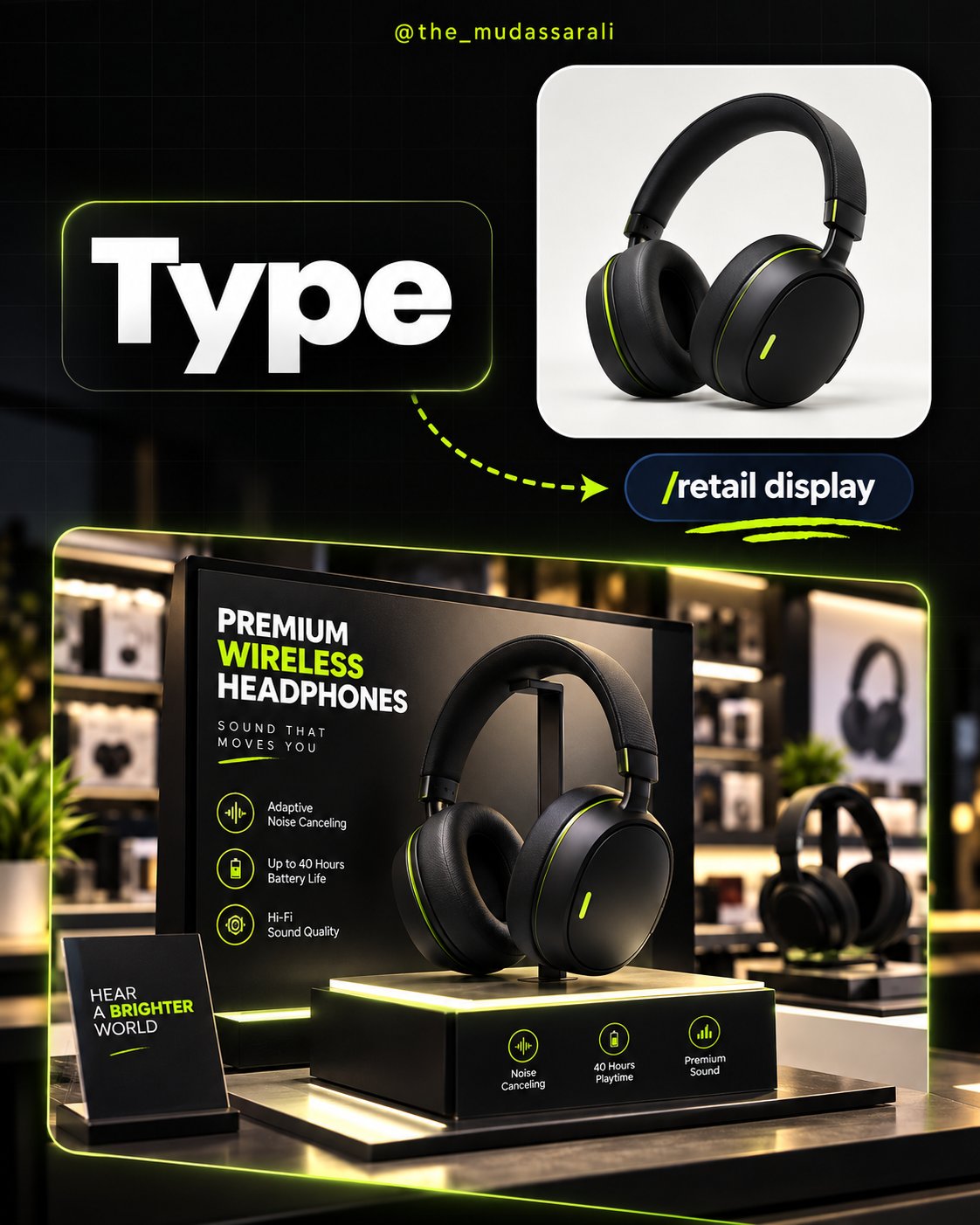
Every prompt above repeats "keep the product identical" because that's where AI cheats fail. A visual that invents a different product is an ad for something you don't sell. Check logos, proportions and small text carefully — AI still garbles fine print — and regenerate rather than publish a product that isn't yours. Speed is the cheat code; accuracy is the game.
The full guide: 100 ready-to-use product prompts — the 3 cheat codes above and 97 more styles, scenes and ad formats.
Made for product sellers, marketers and content creators. Use the outputs commercially — just keep the product honest.
I build content and ads systems for product and service businesses. Book a free audit — I'll show you where your visuals are losing the scroll.
Book a free audit →